
Set or reset your lock code
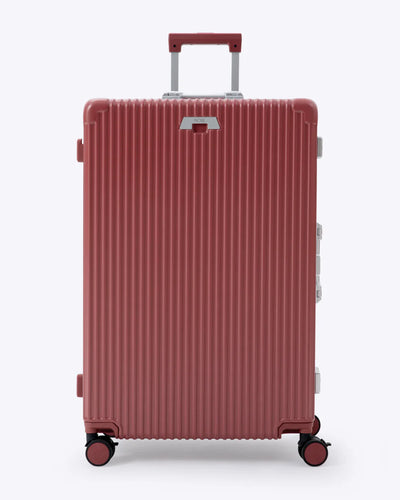
Steps for
Check-In: All-in-One 28"
Set a new code
- Find the small switch under the clasp. Slide it to the left, to SET.
- Turn the dials to your new code, for example 8-8-8.
- Slide the switch to the right, back to OFF. Always leave it on OFF when you're done.
- Repeat on the second clasp lock.
Open and lock
- To open, turn the dials on both locks to your code and press the push button on each one.
- To lock, close the case, close all the clasps and scramble the dials on both locks.
- Check-In suitcases have a third clasp in the middle. It has no lock, but open it too before you lift the lid.
Write your new code down somewhere safe.
If the TSA keyhole has been turned
Airport security can open the lock with a TSA key. If the keyhole was left turned, the lock won't work properly. Turn it back with a pen tip until the slot points at the red dot.
Did this help?
Still need help?
Chat with our team and we'll pick up from here.