
Set or reset your lock code
Steps for
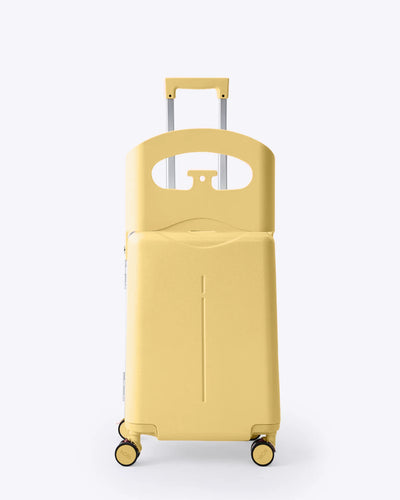
Carry-On Luggage with Seat
Set a new code
- Open the lock with your current code. A new bag is set to 0-0-0.
- Slide the reset button from A to B.
- Turn the dials to your new code, for example 8-8-8.
- Slide the reset button back to A. Your new code is saved.
Open and lock
- To open, line up your code, push the small button and slide the big slider until you see OPEN.
- To lock, slide the big slider back until you see LOCK, then scramble the dials.
Write your new code down somewhere safe.
Did this help?
Still need help?
Chat with our team and we'll pick up from here.
More for your Carry-On Luggage with Seat
Lock won't openWhat to check when the right code doesn't open your suitcase.Size, weight and capacityMeasurements, empty weight and how much each bag holds.Clean and store your luggageKeep the shell, lining, locks and wheels in good shape.Using the ride-on seat safelyWeight limit, ages and rules for the Carry-On Luggage with Seat.